Frequently Asked Questions
Everything you need to know before joining an in-person walking tour or taking our self-guided audio tour through Vegas' red-light heritage.
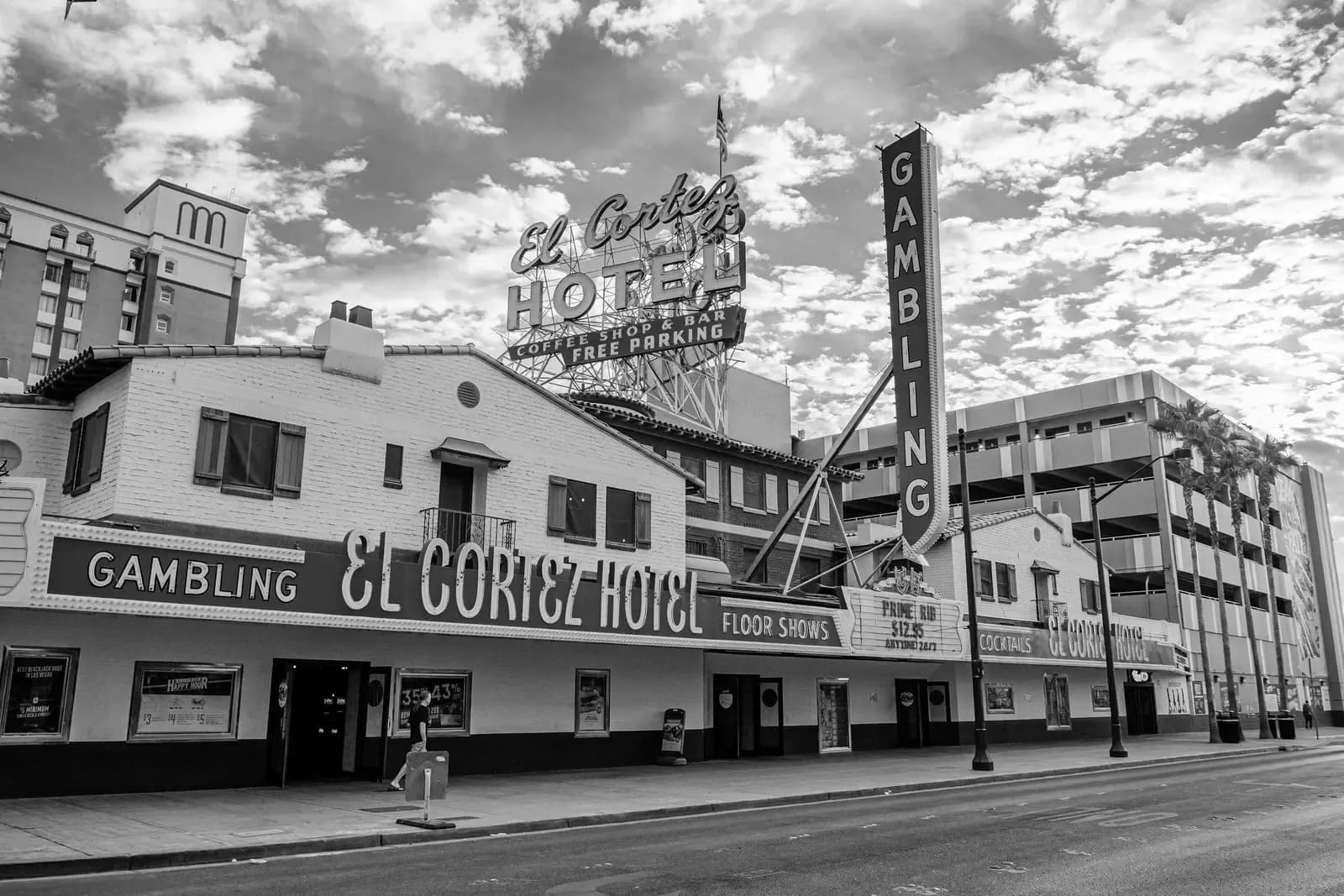
In-Person Tours
Where do we meet?
For accuracy, check your email booking confirmation for the location. All emails and texts will have the most accurate and updated information. Most of our 2-hour walking tours, and our 1-our tours begin outside the Plaza Casino under the Carousel Bar.
Where does our tour end?
This differs by tour, and for fastest confirmation check your email. Many of our tours conclude at the east end of Fremont. You can catch a shared ride from there, walk to the Deuce bus stop, or visit many of the nearby shops.
How long does the tour last?
Our 2 hour guided walking tour will last approximately 2 ours, depending on how often and how long we stop for photos. We start at West Fremont and end at East Fremont, covering about 6 blocks, or 1.5 miles. Our Immersive night tour will last approximately 3 hours.
Are there restrooms or places to rest?
Yes, there are multiple restroom breaks and benches to sit at several of our stops. If you need to rest at stops, that will not be a problem.
Is the walking difficult?
We have found that nearly everyone who has walking mobility can easily take our tours. It is cane, and wheeled mobility friendly. There are just a few stairs, but ramps are an option. If you have concerns, you can always reach out to us with questions!
Are your tours ADA friendly?
Most of our tour is ADA compliant and wheelchair friendly but if you have specific questions, reach us at contact@lasvegasguidedtours.com or call us at (702) 483-0180.
What is included with the purchase of an in-person tour?
Every in-person tour is a guided walking tour of the downtown area. We do not include transportation.
What if I can't make a tour?
We want you to be 100% satisfied. Many of our affiliate partners have their own cancellation policy, sometimes it may be 24 hours, others, allow canceling up to the day of. However, we want you to be 100% happy. If you cannot attend a tour, or are running late and want to reschedule and your refund policy has passed with one of our partners, please email us with the details and we will allow you to reschedule the tour for up to one year.
What if the tour is not available when we are?
All tours are able to be booked as a private experience. Check out as a private booking when you complete purchase.
How large is a private group?
Private group sizes depend on the tour. Some tours accommodate 20 people max, others accommodate 10 people for a small group, and 20 for a large group. This is indicated on your booking page. If you have groups larger than 20 people, please reach out and we will discuss options.
What if we have more people than a private group tour allows? Can everyone be included in the same experience?
If you have more people than specified in the group package, we can accommodate larger groups by keeping everyone together on the tour, please reach out and we will discuss options.
How do I cancel my booking and request a refund?
We've made cancellations quick and simple. Open your booking confirmation email, click the cancellation link (this activates your refund if you're within the 24-hour window), then follow the prompts to confirm. Refunds are processed to your original payment method within 5 to 10 business days. Need help finding your booking email or link? Contact us and our team will be happy to assist.
Taking a Self-Guided Tour
How do I start?
If you've downloaded the app, but you haven't purchased anything, you can still preview the tour. In order to take a tour, you will need to purchase the tour and you can take it as many times as you'd like. After purchase, download the tour as prompted, then when you are ready to take the tour, open the icon and follow the directions. Make your way to the start point as directed in the app and enjoy the tour!
What is included with the purchase?
Every tour purchase gives you full access to the entire tour including a detailed map with gps location points, guided directions, stories, interviews, photos and recommendations of where to eat, drink and visit. This tour works in a way that syncs your location to the map in the app, so if you pause, get turned around, or want to retake the tour, you can play back the audio stop, or find your way in the map. You do not need to be connected to wifi or on data to use this feature.
Do I need to follow the guided directions?
For The Red Light Tour, the audio stops are designed with a story narrative, and based on a time scale. They make the most sense if they're followed in numerical order. However, you can still participate in the tour if you choose not to take the stops in the order specified. If you take the tour out of order, the map will guide you to the closest point of interest and audio stop.
Can I take this tour at home?
Yes, you can listen to this tour and enjoy the audio and imagery even if you are not in Las Vegas. You do not need to walk the tour outlined in the map for the tour to work. To take this tour at home, when the app prompts you to turn on GPS, simply press cancel.
What is not included with purchase?
Access, admission, or entry tickets to museums or points of interest that charge an admission fee are not included in the app purchase. The stops listed in the app do not charge an admission fee, but in our lists, we recommend several museums and additional stops of interest, many of which do charge an admission fee.
If I delete the app and then want to redownload, do I have to repurchase the app?
One purchase gives you lifetime access, free updates, and unlimited use of the app. If you delete the app, you should be able to recover it from the App Store where you purchased it at no additional cost. If you sign out of your Apple or Play account, you'll need to log back in with the account you used to purchase the app.
Why don't stops automatically play? Can I turn on GPS instead of pressing play?
We've tested this tour many times and it works best when you play each stop on your own time. To ensure you listen to the story in sequence, and not miss sections of the story or directions, we have set up the tour to allow you to experience each stop fully, without feeling rushed or losing parts of narration.
Why do I need to check for updates?
Las Vegas changes frequently, and so does our app! Open the app, click the profile at the bottom of the screen, click the gear icon in the top right, and check for updates. If you see something that is inaccurate, please use the link in the app to let us know.
Do I need WiFi?
Prior to touring, you need to download the tour via WiFi as the file can be large. Once downloaded the app does not require data or a network. While taking the tour, you do NOT need cellular service or WiFi, and the app will still work.
What if my download gets stuck or frozen?
If your download stalls, check your wifi connection, then exit or force quit the app and resume downloading. If it's still stuck, delete the app completely and redownload it from the App or Google Play Store. Make sure not to close out of the app while the tour is downloading.
How can I conserve battery energy?
Turn on battery saver, use flight mode when you don't need to make calls, and turn the screen brightness down. Carry a spare fully charged battery pack and charging cable.
Will this deplete my phone battery fast?
That depends on your device. Using GPS location services does put demand on your device's battery, but we've tested the app extensively and found that a normal new device battery will easily last all day using our app, so long as you're careful how much you use it for other tasks like calls, social media, and browsing.